The Website Launch Checklist I Use for Client Sites
By Randa Schilling | December 19, 2025
Launching a website isn’t just about hitting “publish.”
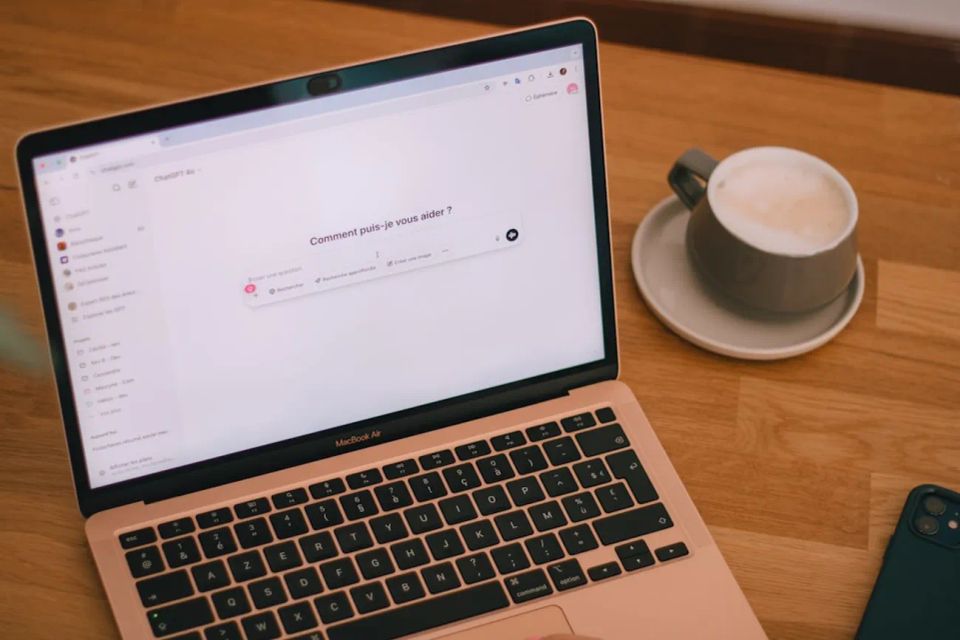
Website Launch Checklist PeachSites Image of MacBook Air with an esspresso
Before you share your link with the world, there are a few critical steps that can make the difference between a site that looks good and one that actually works.
Here’s the website launch checklist I use after the design is complete to make sure a site is polished, functional, and set up for long-term success.
1. Test Every Link and Button
Before launch, click everything.
Every button, navigation link, footer link, and call-to-action should work exactly as expected. Broken links or buttons create friction for visitors and can hurt your credibility immediately. A simple rule: if it’s clickable, it should lead somewhere useful.
Every website should include optimized metadata that clearly explains what the site is about.
Meta Title
Format: Business Name | Business Type | Location
This is often the first thing people see in search results, so keep it clear and relevant.
Meta Description
Summarize the purpose of your website in one or two concise sentences. Explain who you serve and what problem you solve.
Meta Keywords
Use keywords that are genuinely relevant to your business, services, and location. Avoid keyword stuffing. Focus on accuracy over volume.
Pro Tip: Let AI Help With Keyword Research
If SEO feels overwhelming, use an AI tool to help.
Ask your preferred AI platform to scan your website and suggest the most relevant SEO keywords based on your content. This can save time and help you uncover phrases your ideal customers are already searching for.
(Yes, I use ChatGPT.)
Final Thoughts
A successful website launch isn’t about perfection. It’s about preparation.
Taking a little extra time to review functionality, structure, and SEO can dramatically improve how your site performs after launch.
If you found this checklist helpful, save it for later and check back for more website and SEO tips designed for small businesses.
FAQ: Small Business Website Costs
How much does a small business website cost in 2026?
The cost of a small business website in 2026 typically ranges from $500 to $5,000, depending on the design, number of pages, SEO setup, and functionality. DIY website builders may cost less upfront, while professional websites that include search engine optimization and lead generation features usually cost more.
Why do some websites cost $10,000 or more?
Some web design agencies charge $10,000 or more for websites that include custom development, advanced integrations, branding, and complex features. While this level of investment may make sense for large companies or e-commerce platforms, most small businesses can succeed with a well-structured website that focuses on SEO, speed, and lead generation.
Can I build a small business website myself?
Yes, many small business owners build their own websites using platforms like Wix, Squarespace, or WordPress. However, many DIY websites struggle to rank on Google because they lack proper SEO structure, sitemap submission, page optimization, and speed improvements.
A professionally built website often includes these elements from the start.
Do small businesses really need SEO?
Yes. Without search engine optimization (SEO), it can be difficult for potential customers to find your website when they search for services online. SEO helps your website appear in Google search results when people are looking for businesses like yours.
Over time, SEO can help bring consistent traffic and leads to your website.
What features should a small business website include?
A successful small business website should include:
SEO-optimized service pages
Fast loading speed
Mobile-friendly design
Clear calls to action
Blog content that answers customer questions
Proper Google Search Console and sitemap setup
These features help improve both search engine visibility and user experience.
How long does it take for a website to show up on Google?
A new website can appear in Google within a few days or weeks after being indexed. However, ranking higher in search results often takes several months of consistent SEO work, including optimized pages, helpful content, and website updates.
SEO is a long-term strategy that builds momentum over time.
Is a website really necessary for a small business?
Yes. While social media can help businesses connect with customers, your website is the only online platform you fully control. A professional website helps establish credibility, provides information about your services, and allows potential customers to contact you directly. For many businesses, a website becomes one of their most important lead-generation tools.